Brand portals for your clients

Every brand you've built.
One vault.

BrandVault turns your finished brand work into beautiful, always-current client portals — logos, color, typography, backgrounds, and mockups, all behind one shareable link.

one link per client · every format · always current


See it in action

Upload once. Hand off forever.

You work in a clean dashboard. Your client gets a polished portal. Nothing in between.
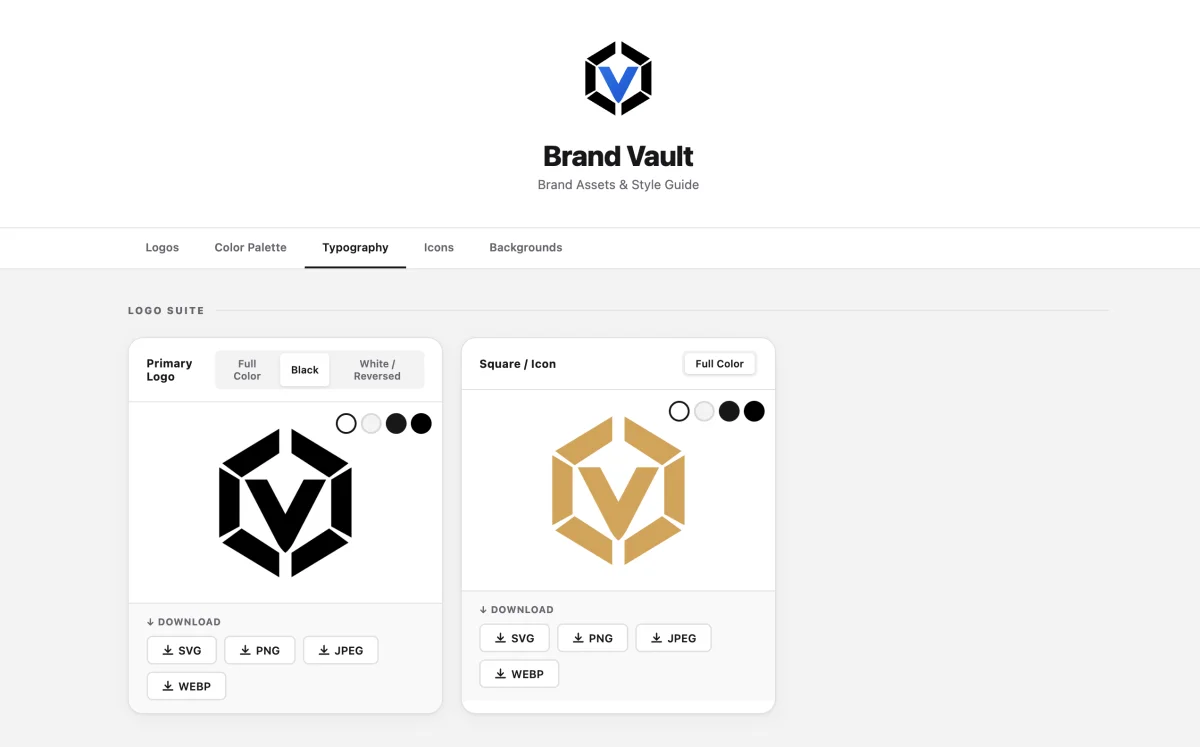
A finished BrandVault client portal showing the logo suite with SVG, PNG, JPEG and WebP downloads
— The portal

What your client sees.

Their logo, their colors, their name at the top. Tabs for logos, palette, typography, icons and backgrounds — and a download button next to everything. No login, no zip, no "which file is the real one?"
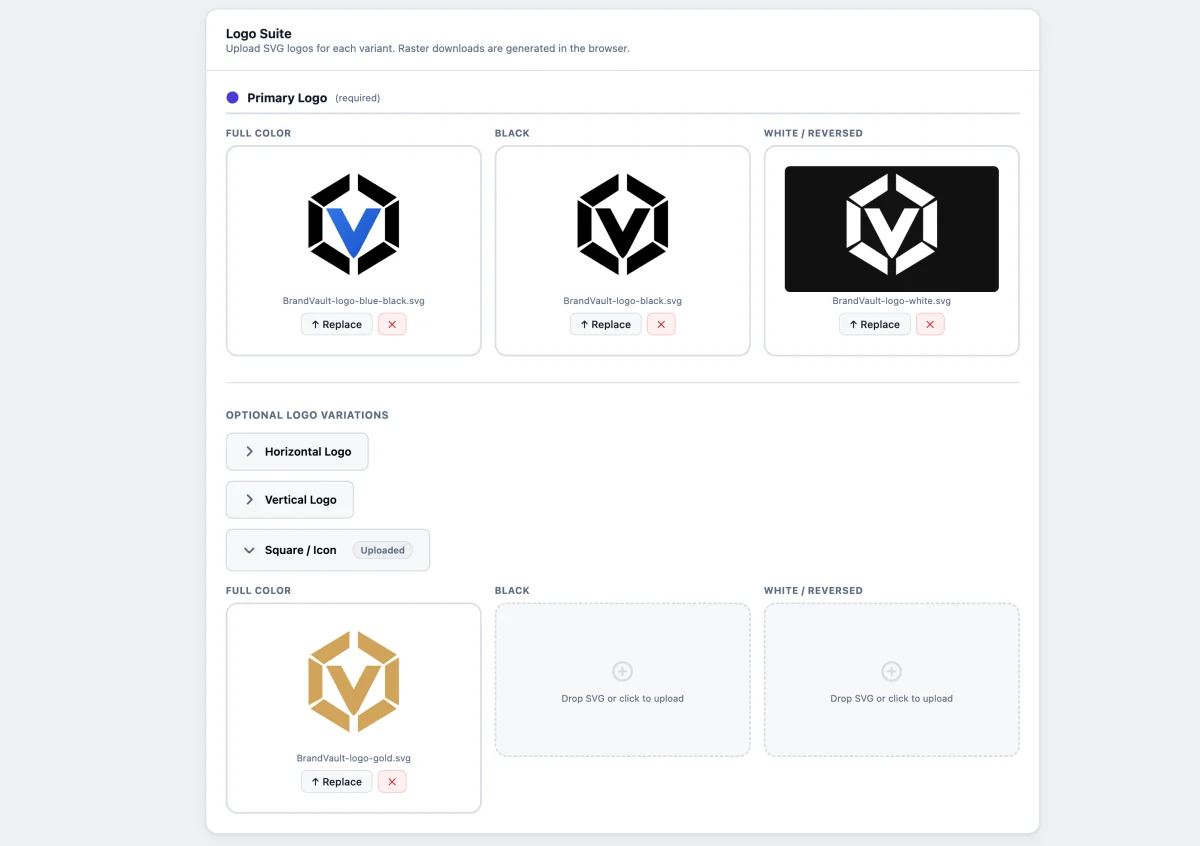
The BrandVault dashboard logo suite with full color, black and reversed variants uploaded as SVG
— Logo suite

Drop in the SVG masters.

Primary, horizontal, vertical and square layouts, each in full color, black and reversed. Upload what exists; the portal only shows what you've filled in. Raster formats are generated in the client's browser, so you never export a PNG again.
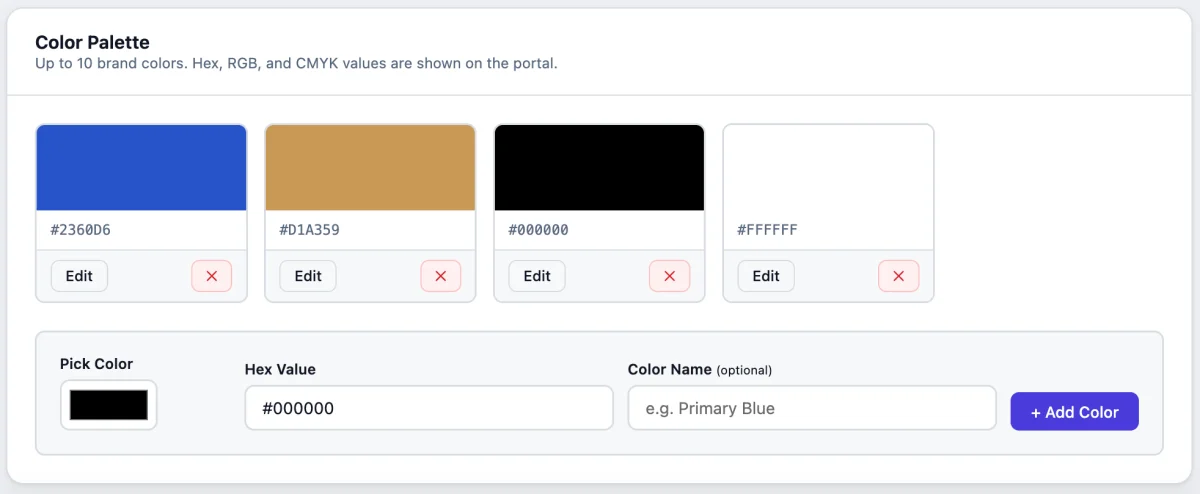
Adding brand colors to a palette with a color picker, hex value and optional name
— Palette

Pick, name, done.

A color picker, a hex field and an optional name. BrandVault works out the RGB and CMYK values and lays them out as swatches the client can copy from with one click.
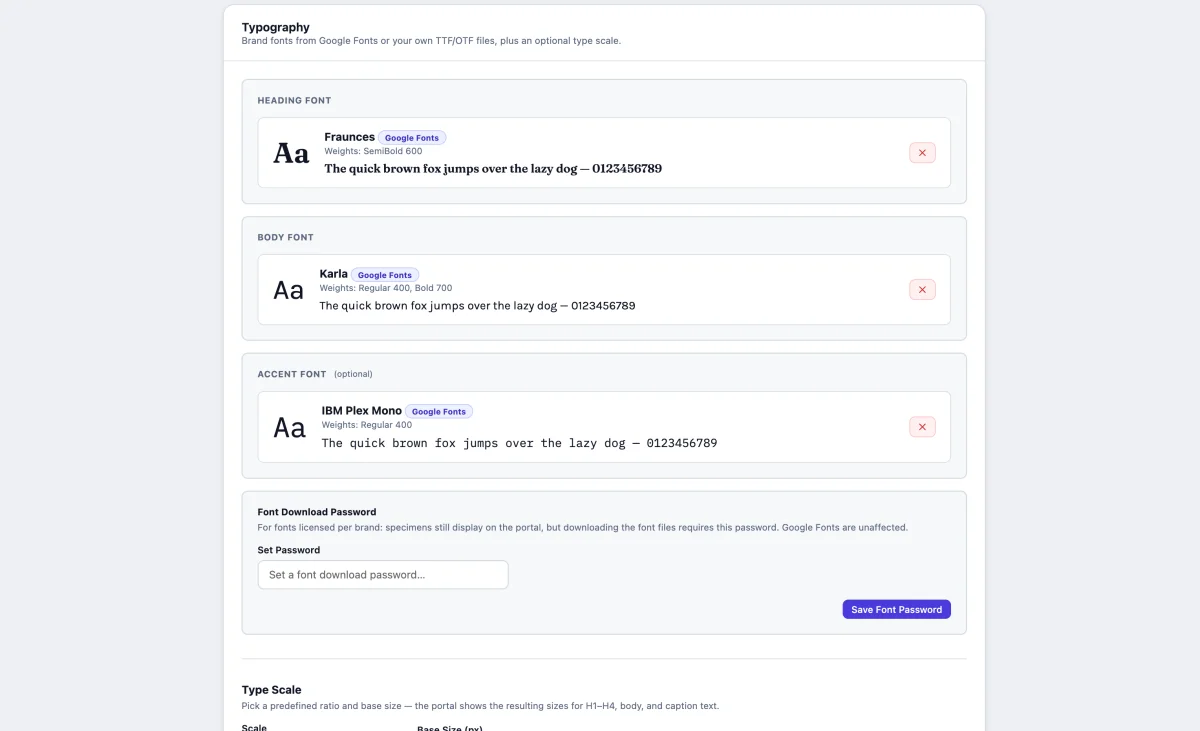
Typography settings with heading, body and accent fonts from Google Fonts and a font download password
— Typography

Heading, body, accent.

Search the whole Google Fonts catalog or upload the brand's own files. Choose the weights that matter, pick a type scale, and set an optional download password for licensed faces.
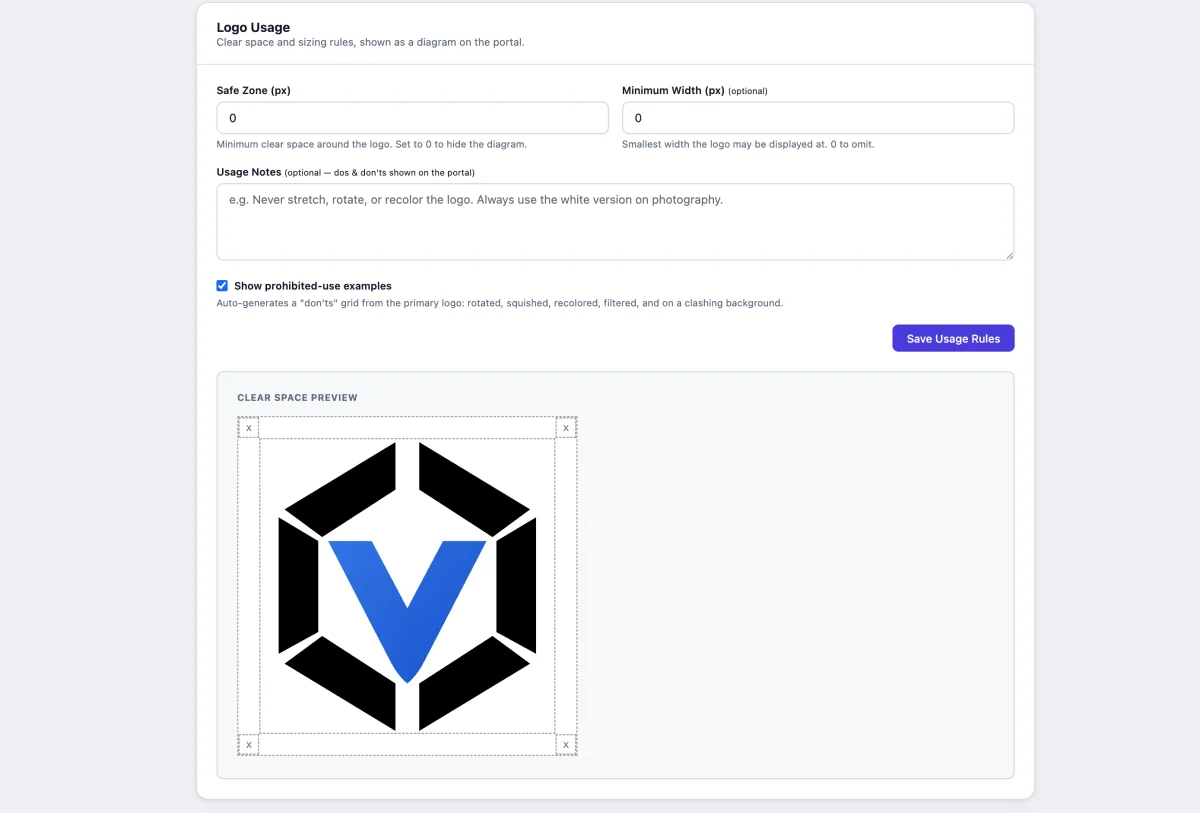
Logo usage rules editor with safe zone, minimum width, usage notes and a live clear-space preview
— Usage rules

The rules, drawn for you.

Type a safe-zone value and the clear-space diagram redraws live. Add a minimum width and your dos and don'ts, and let BrandVault generate the prohibited-use examples from the real logo.
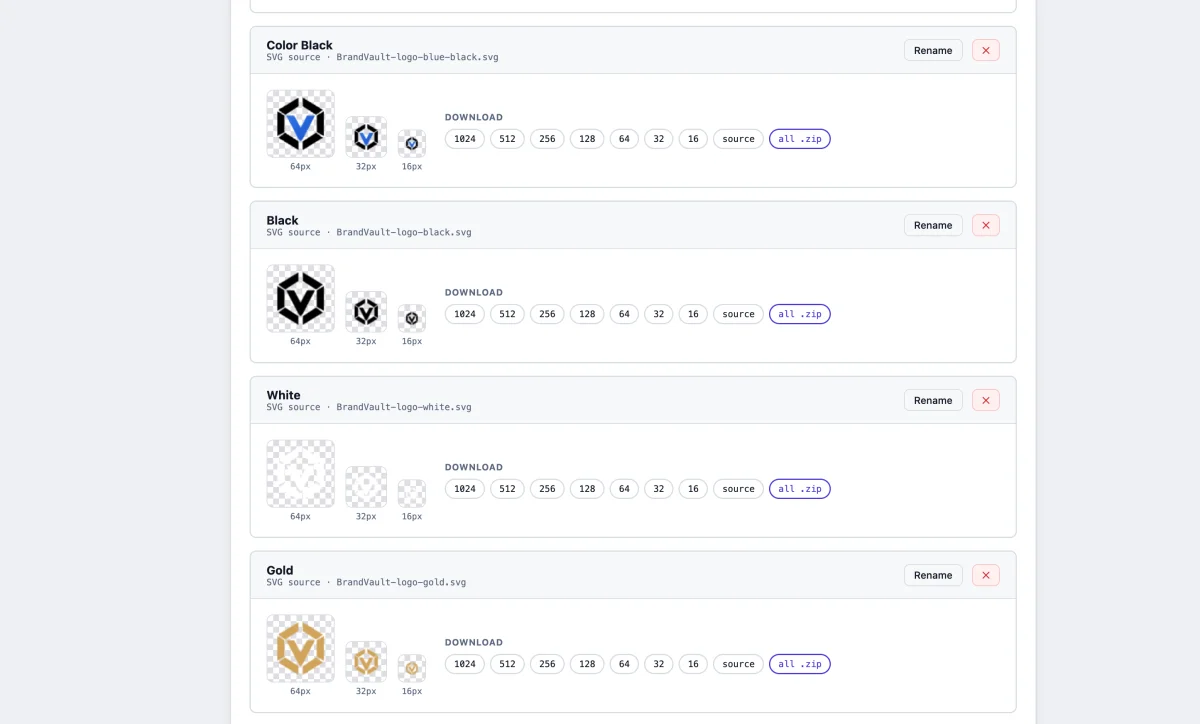
Icon sets in four color variations, each automatically resized from 1024 down to 16 pixels
— Icon sets

One upload, every size.

Name a set, drop in an SVG, and get 1024, 512, 256, 128, 64, 32 and 16 pixel PNGs — for as many color variations as the brand needs. Favicons, app icons and social avatars, sorted.


Everything inside

One vault. Nine things a brand guide needs.


Live demo

Poke around a real portal.

BrandVault's own brand guide is built with BrandVault. Download a logo, copy a color, inspect the type scale — everything a client can do, you can try right now.

brandvault.app/brand-vault

Open the demo ↗

Why a portal

The handoff is part of the brand.

A zip file gets buried in someone's downloads folder. A portal keeps living — for the client, their printer, their web developer, and every new hire who asks "where's the logo?"

— ✓ ↻

Always the latest

Refresh a logo or tweak the palette once, and everyone with the link is current. Nobody works from logo-v3-FINAL(2).zip ever again.

— ✓ ⇩

Self-serve, every format

The printer needs CMYK, the developer wants hex and WebP, the client just needs a PNG for a slide deck. They all help themselves — nobody emails you.

— ✓ ✳

A finish that sells the work

The last thing a client sees isn't an attachment — it's their brand, presented like it matters. That's the impression they refer their friends from.


Request an invite

Your brands deserve better than a zip file.

BrandVault is invite-only while we grow. Tell us a little about your work and we'll send you a code to set up your account.

  • A portal for every client, at one clean link
  • Logos, palettes, type, icons, backgrounds and mockups in one place
  • Password-protect the confidential ones
  • Update once — everyone with the link is current

no spam · no card · just a code when there's room